Telegram Bot
Connect your chatbot to Telegram so people can ask it questions directly in the Telegram app. You create a free bot with Telegram's @BotFather, copy its token into Aimy, and you're live. Pro plan only.
Before You Start
- The Telegram app (mobile or desktop) signed in to your account.
- A chatbot already created in Aimy with at least one document uploaded.
- A Pro plan (integrations are not available on Basic).
Step 1 — Create a Telegram Bot with BotFather
1. Find BotFather. In Telegram, search for @BotFather and open the official account (it has a blue verified checkmark).
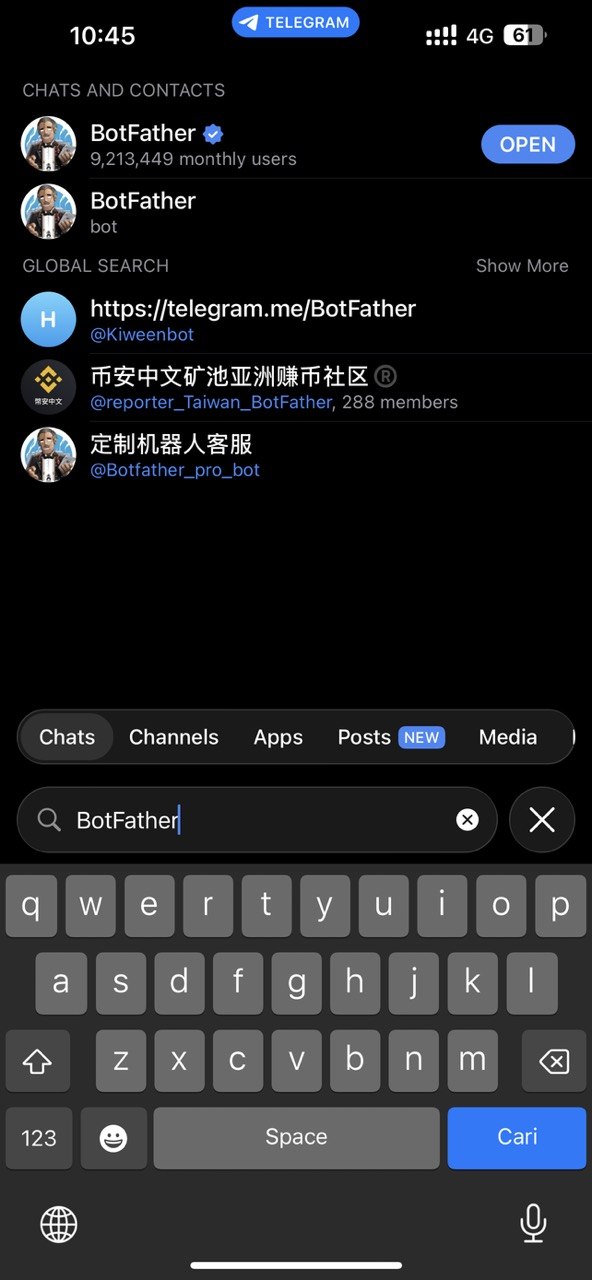
2. Start the chat. Tap Start (or send /start) to begin talking to BotFather.
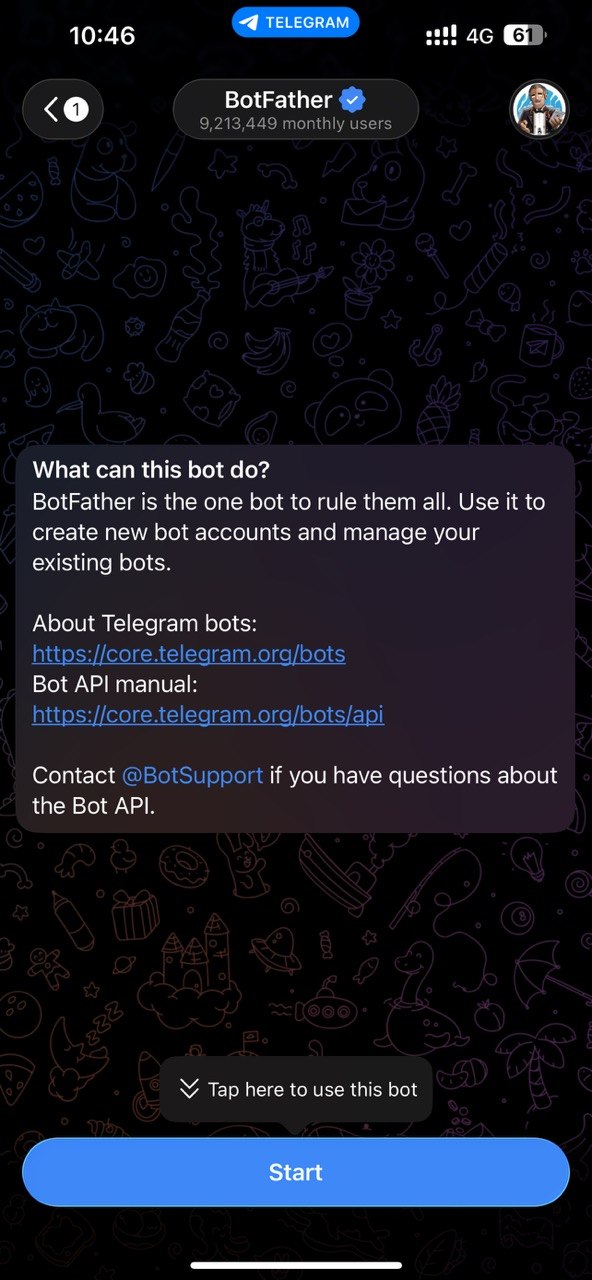
3. Create a new bot. Send the command /newbot or click Open at the bottom left of the screen to bring up the GUI
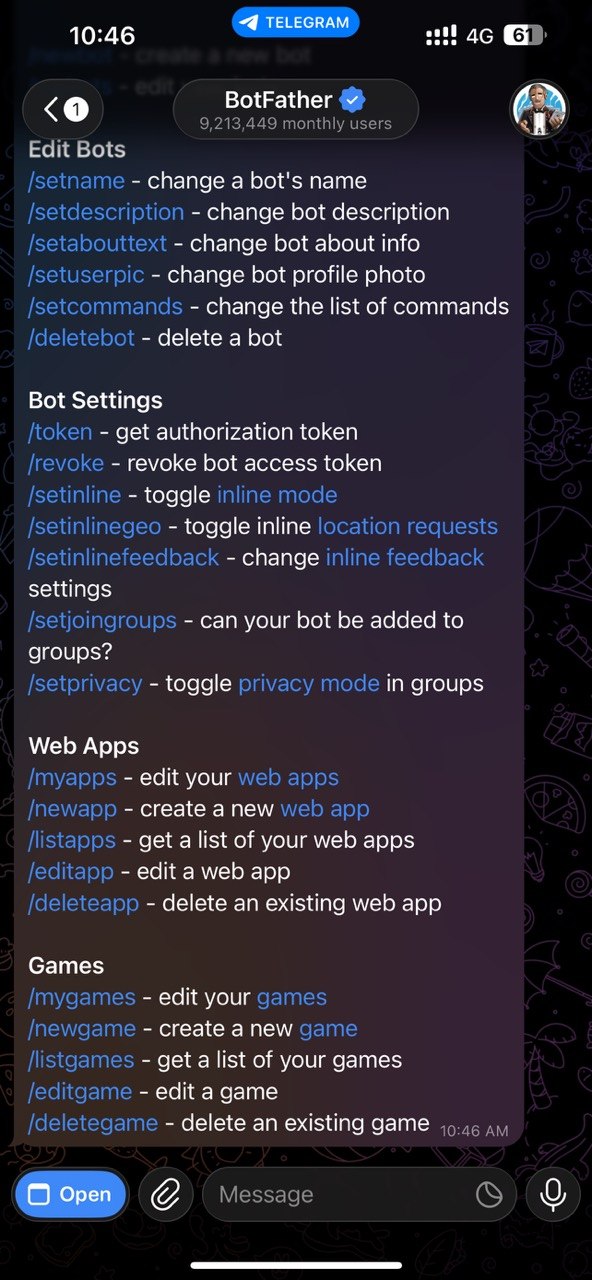
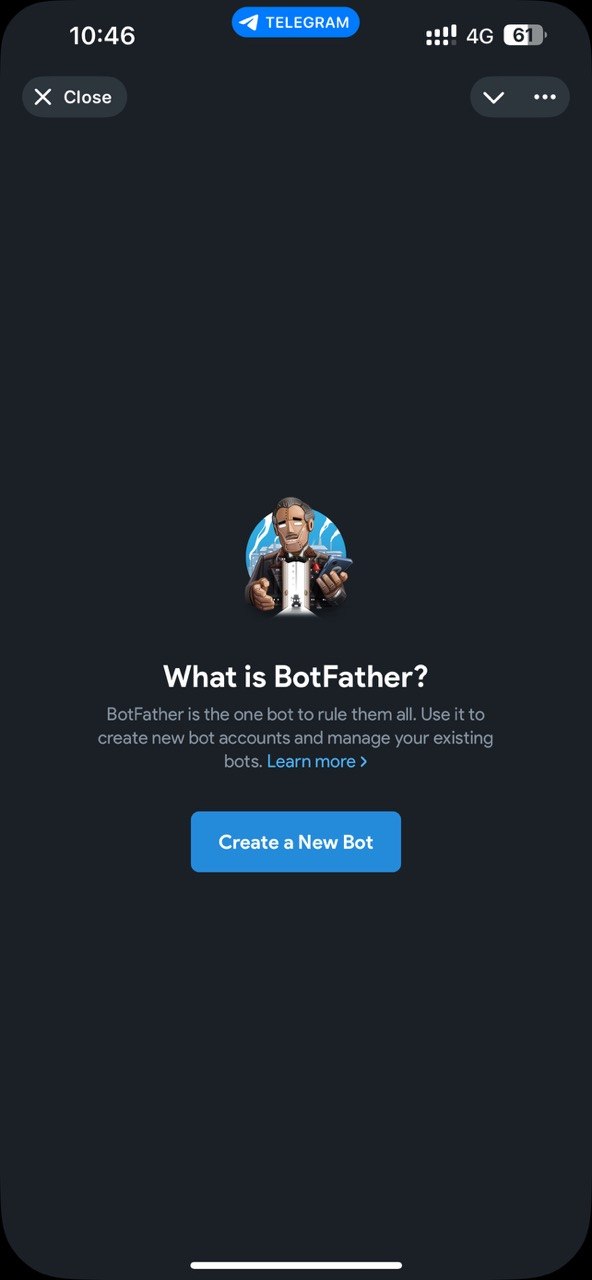
4. Create a new bot Click on create a new bot button
5. Choose a username. Pick a unique username that ends in bot (e.g. acme_support_bot). If it's taken, BotFather asks you to try another.
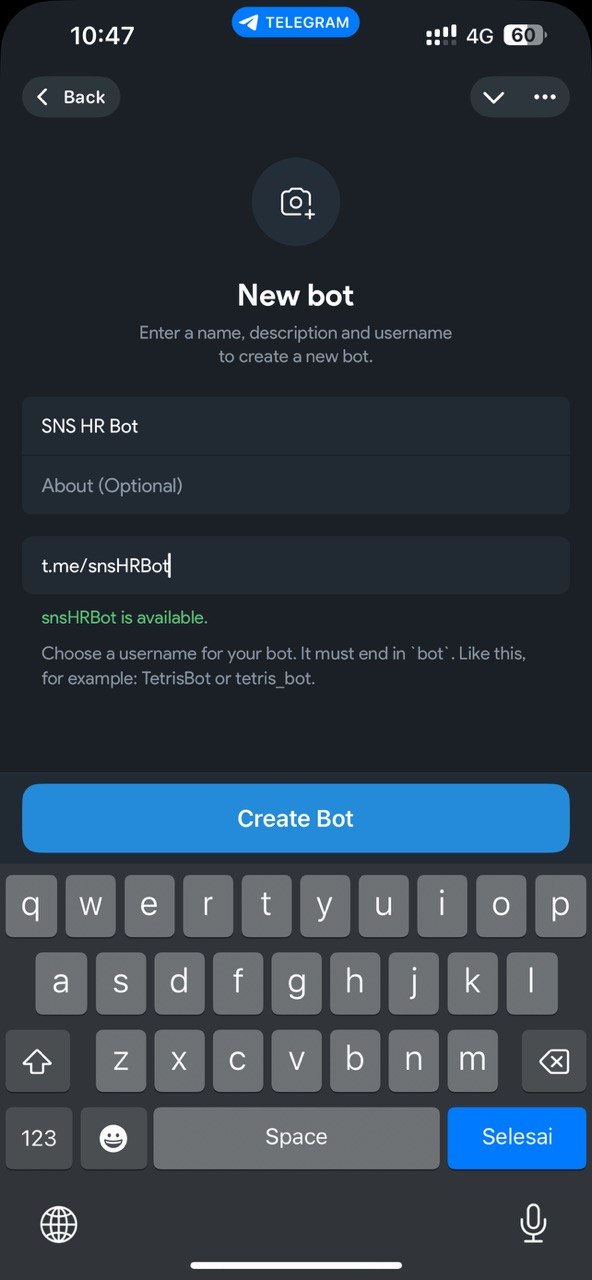
6. Copy your bot token. BotFather replies with an API token (a long string like 123456789:ABC-DEF...). Keep it secret — anyone with this token can control your bot.
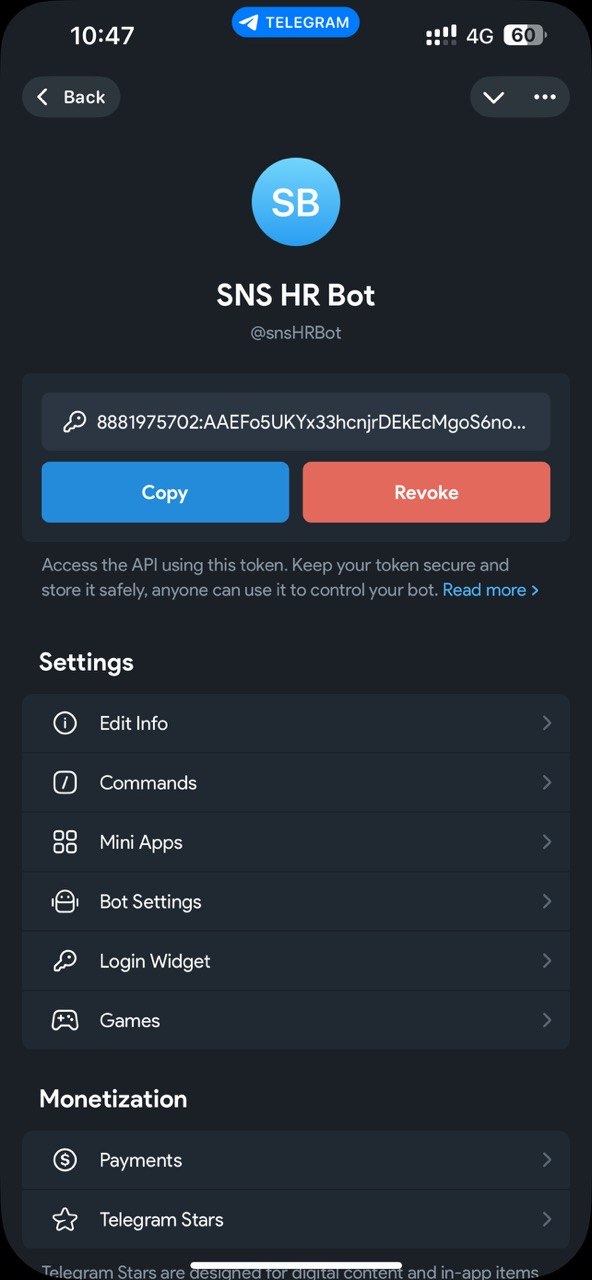
Step 2 — Connect the Bot in Aimy
7. Paste the token. In the company admin panel, go to Integrations, pick your chatbot, open the Telegram section, paste the token into the Bot token field, and click Connect bot.
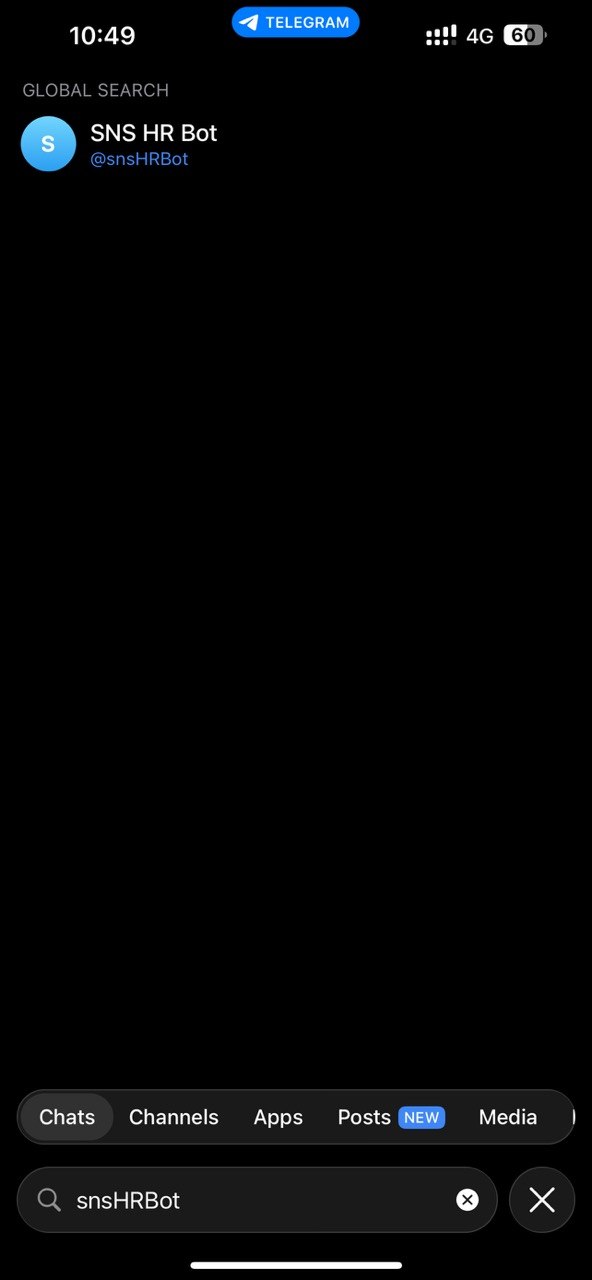
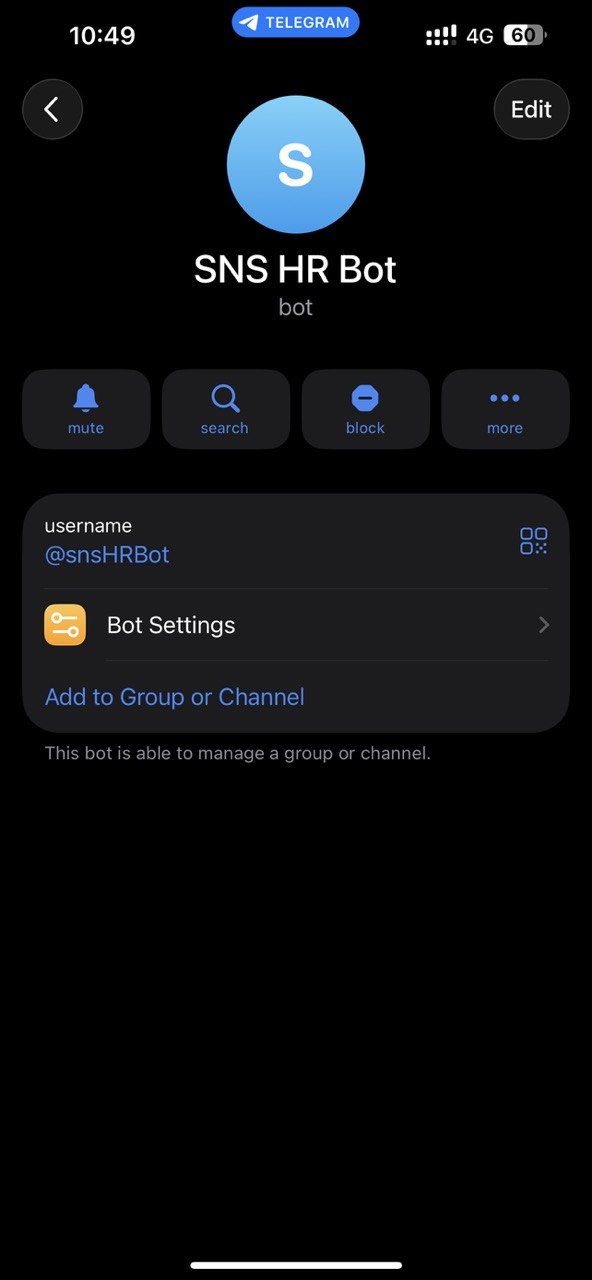
8. You're live. Aimy verifies the token and sets up the webhook automatically. Open your bot in Telegram and send it a message to test.
How It Works
Once connected, anyone who messages your Telegram bot gets answers from your chatbot's knowledge base. Each Telegram user has their own conversation, and the conversations show up in your Chat History. Usage from Telegram counts toward your plan.
Managing the Connection
- To disconnect, open the Telegram section and click Disconnect. This removes the webhook and stops the bot from responding.
- To move the bot to a different chatbot, disconnect it first, then connect the same token under the other chatbot.
- To replace the bot, paste a new token and click Replace bot.