Browse the docs Telegram
Getting Started
Knowledge Base
Activity
Integrations
Plans and Billing
Security and Support
Telegram
Connect an expert to Telegram so people can ask it questions in a Telegram chat. You create a free bot with Telegram's own BotFather, paste the bot's token into Aimy, and the expert starts answering. It needs the Professional plan.
Before you start
- The Telegram app, on your phone or desktop, signed in to your account.
- An expert in Aimy with at least one document in its Knowledge Base.
Step 1: create a bot with BotFather
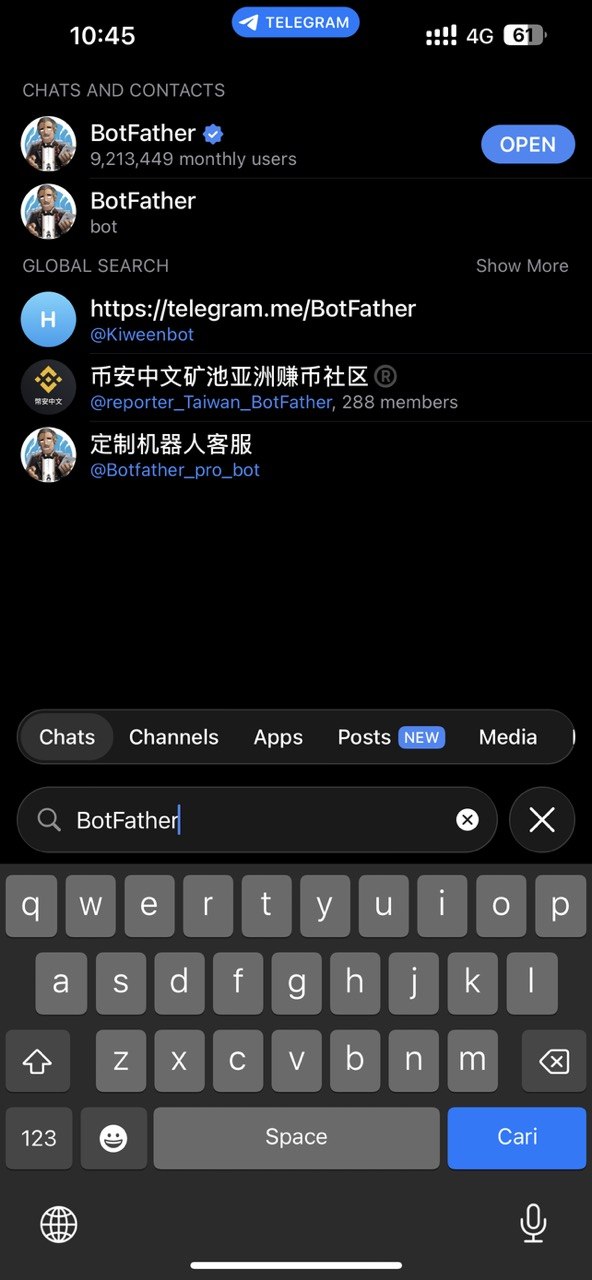
- In Telegram, search for @BotFather and open the official account. It has a blue verified tick.
- Choose Start, or send
/start.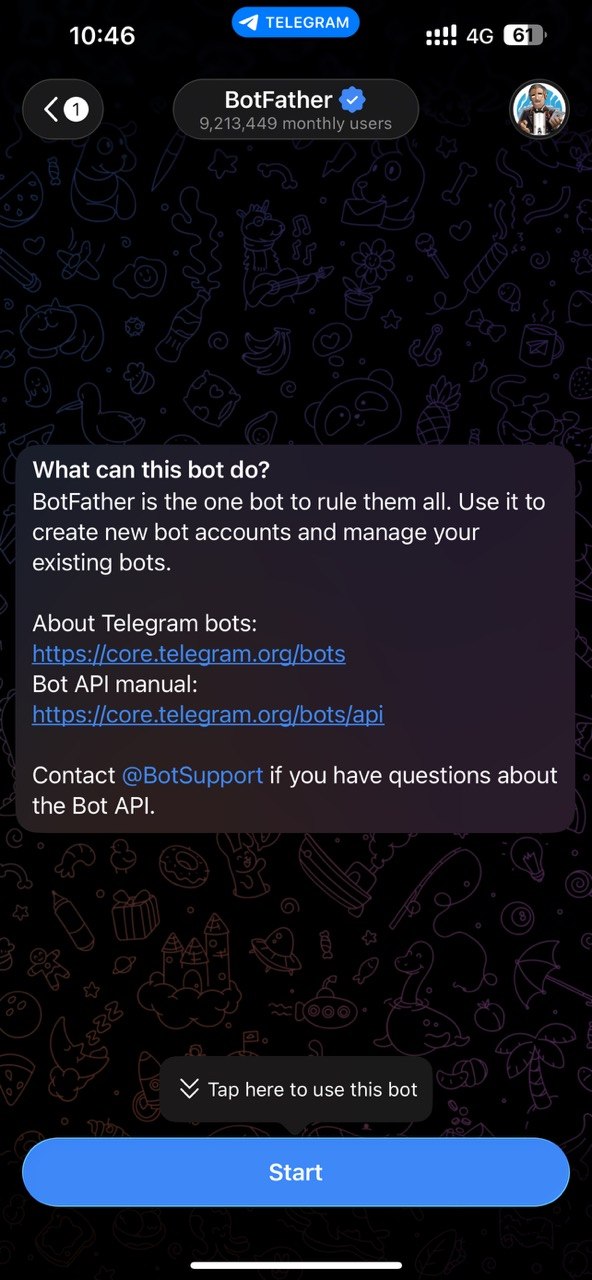
- Send
/newbot. You can also choose Open at the bottom left of the chat, and then Create a New Bot.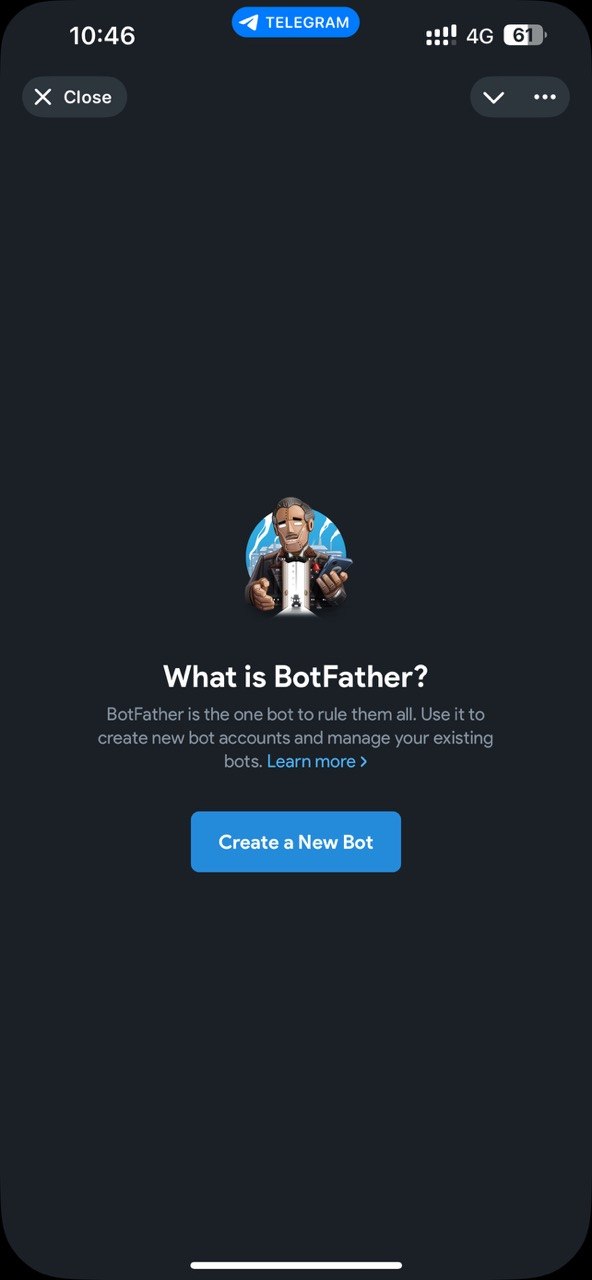
- Give the bot a name. This is what people see at the top of the chat. Then choose a username. It must be unique and end in
bot, for exampleacme_support_bot. If the username is taken, BotFather asks for another.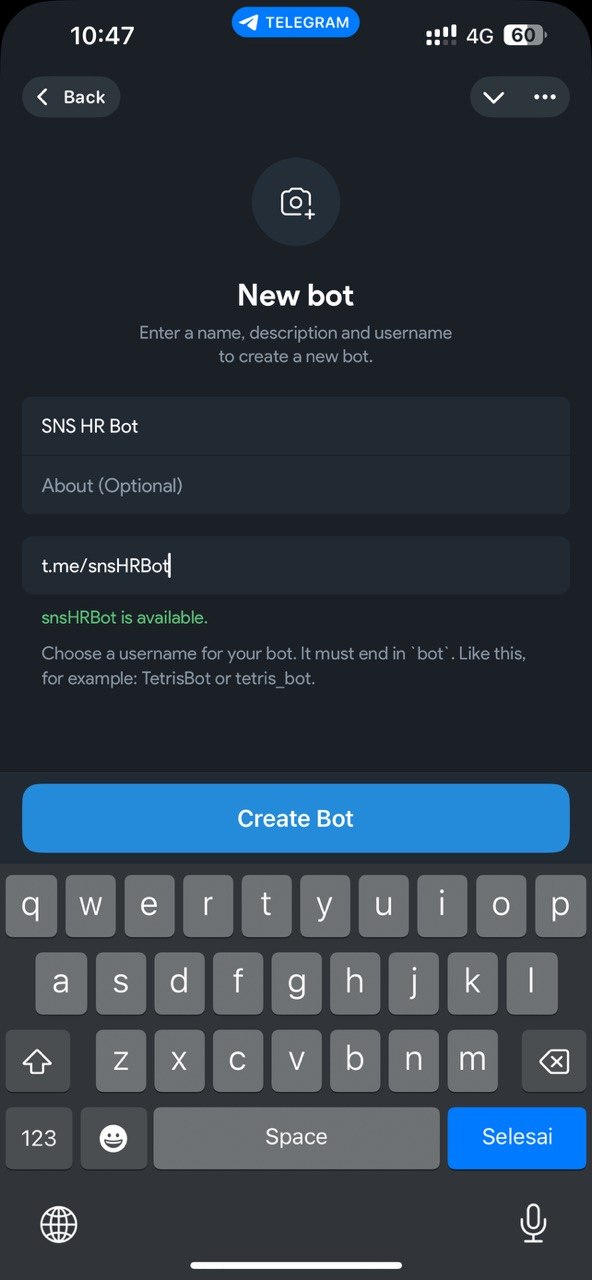
- BotFather replies with a token, a long string with a colon in the middle. Copy it.
Step 2: connect the bot in Aimy
- Open Integrations under CONNECT and choose Telegram.
- Pick the expert from the Experts list on the left. A green dot beside an expert means it already has a Telegram bot.
- Paste the token into the Bot token row. The grey example reads "Eg. 7123456789:AAH4sK9xQ2mZ7vL0pR3tY8wN1bC6dF5gJ2k".
- Optional: use Model for this channel to give Telegram a different model from the one the expert normally uses. It saves as soon as you choose it. Leave it on Use expert's model (default) otherwise.
- Choose Connect bot.
Aimy checks the token with Telegram and then sets up the link that carries messages to your expert. If the token is wrong, you see an error and nothing is saved. When it works, open your bot in Telegram, send it a question your documents can answer, and check that the reply arrives.
How the bot answers
- When someone first opens the bot and sends
/start, it greets them by name and tells them replies are AI generated and may be inaccurate. - It answers text messages from your expert's documents. Other kinds of message, such as photos, voice notes and stickers, get no reply.
- Every person who messages the bot has their own conversation.
- Long answers are split into several messages, because Telegram limits the length of one message.
The conversations appear in History with the source Telegram, and they count toward your usage, shown by channel on Usage. See History and Usage. If Handoff is on for the expert, a person can take over a Telegram chat. See Handing a chat to a person.
Replace or disconnect the bot
Once a bot is connected, the Bot token row shows the token with most of it hidden. The eye button reveals it.
- To use a different bot, paste its token and choose Replace bot. Aimy checks the token with Telegram and sets the link that carries messages again, the same as when you first connected. Choosing it with the same token sets that link again.
- To stop the expert answering on Telegram, choose Disconnect and confirm. Aimy switches the link off, and the bot stops replying. Your expert and its documents are not affected.
- To move a bot to a different expert, disconnect it first, then connect the same token under the other expert.
Each expert connects to one Telegram bot at a time.
Troubleshooting
- An error appears when you connect. The token is wrong or has been revoked. Copy it again from BotFather. Make sure no space came with it.
- It connects, but the bot does not answer. Check the dot beside the expert is green, and that you are messaging the bot from the same token you pasted. Then send plain text, since the bot ignores other kinds of message.
- Connecting says Telegram is not available on your plan. Integrations are part of the Professional plan. See Plans.